 © Copyright 2024 IGNOU Galaxy.
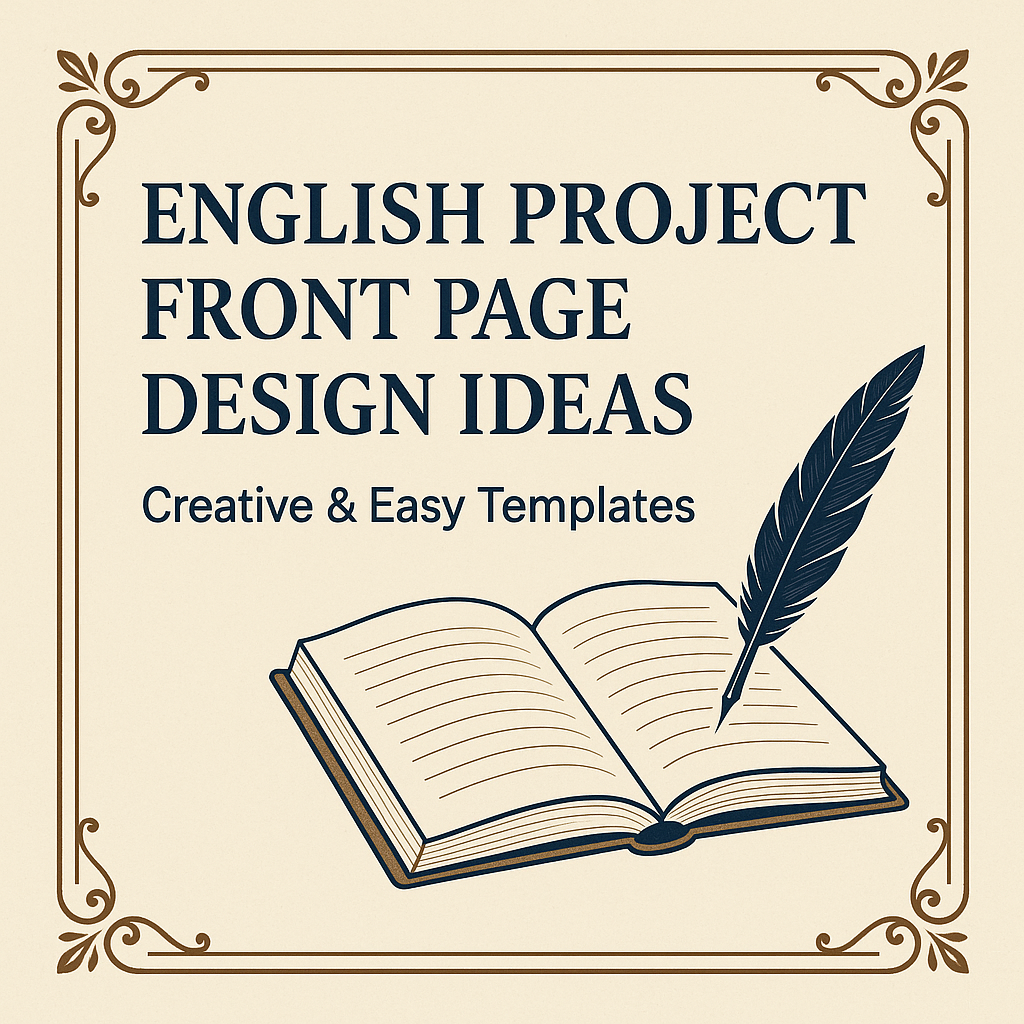
English Project Front Page Design: Creative Ideas & Tips for Students
Creating a visually appealing English project front page design can instantly boost the presentation and impression of your school or college assignment. In the age of digital learning, the way you design your project front page speaks volumes about your creativity, effort, and seriousness towards the subject.
In this article, we’ll explore the best front page design ideas for English projects, tools you can use, essential elements to include, and practical tips to ensure your front page grabs attention while maintaining academic standards.
What is an English Project Front Page Design?
An English project front page design refers to the very first page of your project file that introduces the title, your name, roll number, school/college name, and other relevant details. It’s the cover that sets the tone of your project—so making it clean, attractive, and relevant is crucial.
Whether you’re in school (CBSE, ICSE, State Board) or doing an undergraduate course like BA English or IGNOU’s English programmes, a good front page can improve your project’s aesthetic and academic appeal.
Why is the English Project Front Page Important?
-
First Impression: Teachers and evaluators form their initial impression based on the front page.
-
Organised Appearance: A well-designed front page makes your project look neat and well-organised.
-
Professional Touch: It adds a level of professionalism that sets your work apart from others.
-
Creativity Showcase: Your design skills and artistic sense get reflected.
Key Elements of an English Project Front Page Design
To create an effective English project front page design, include the following:
1. Project
Use a bold, centralised heading like:
“The Evolution of English Literature through the Ages”
2. Student Details
-
Name
-
Class/Grade
-
Roll Number
-
Subject (English)
-
School/College Name
-
Academic Year
3. Subject Details
You may include your teacher’s name and project guide (if any).
4. Relevant Image or Illustration
A subtle background image related to the theme—like Shakespeare’s portrait, books, or a quill—can enhance appeal.
5. Borders and Fonts
Use a clean font like Times New Roman or Calibri. Add minimalist borders or floral/academic motifs depending on the theme.
Top Design Tools to Create English Project Front Pages
Here are some tools to help you design your English project front page design with ease:
-
Canva: Free templates and drag-and-drop editor.
-
MS Word: Classic option with full control over layout.
-
Google Docs: Easy to use and shareable.
-
Adobe Express: Great for artistic and detailed design.
-
Handmade: You can also sketch or colour your front page using chart paper and pens for a personal touch.
Final Tips for the Perfect English Project Front Page Design
-
Avoid Clutter: Keep it simple and readable.
-
Match the Theme: If your project is about poetry, use softer visuals. If it’s a drama, choose bold and theatrical elements.
-
Be Consistent: Match font sizes, alignments, and margins across all pages.
-
Check Spelling: A spelling error on the front page can ruin your impression.
-
Use High Resolution: If printing digitally, make sure your images are of high quality.
Conclusion
Your English project front page design is more than just decoration—it’s a symbol of your dedication. Whether you choose to design it digitally or by hand, keep it neat, relevant, and professional. Invest some time and creativity, and you’ll surely leave a lasting impact on your readers or evaluators.
FAQs
Q1. Can I use colour in my English project front page design?
Yes, but use it tastefully. Stick to 2–3 colours for a clean look.
Q2. Is a handmade front page better than a digital one?
Both are good. Handmade adds a personal touch; digital ensures neatness.
Q3. Should I add a quote on the front page?
Adding a short, relevant quote can enrich your presentation. Example: “Words are, in my not-so-humble opinion, our most inexhaustible source of magic.” —J.K. Rowling
Q4. What size font should I use?
Use 14–16 pt for headings and 12 pt for details. Make sure everything is legible.
Q5. Can I download ready-made front page templates?
Yes! Many websites and apps like Canva, Pinterest, and IGNOU Galaxy provide templates for English project front page design.