 © Copyright 2026 IGNOU Galaxy.
Can I Use a Calculator in IGNOU BCom Exams
Introduction
Can I use calculator in IGNOU BCom exams? The answer is – The instructions printed on that particular question paper will tell you if you can.
In every BCom Mathematics, Statistics or Accounts examination, IGNOU does not automatically allow calculator usage. The calculator rules may vary by course code, exam session and question paper.
As per the examination notice of IGNOU, the use of electronic devices including calculators is not allowed unless specifically allowed. So students should never carry or use a calculator based on an old question paper, social-media post or another student’s experience.
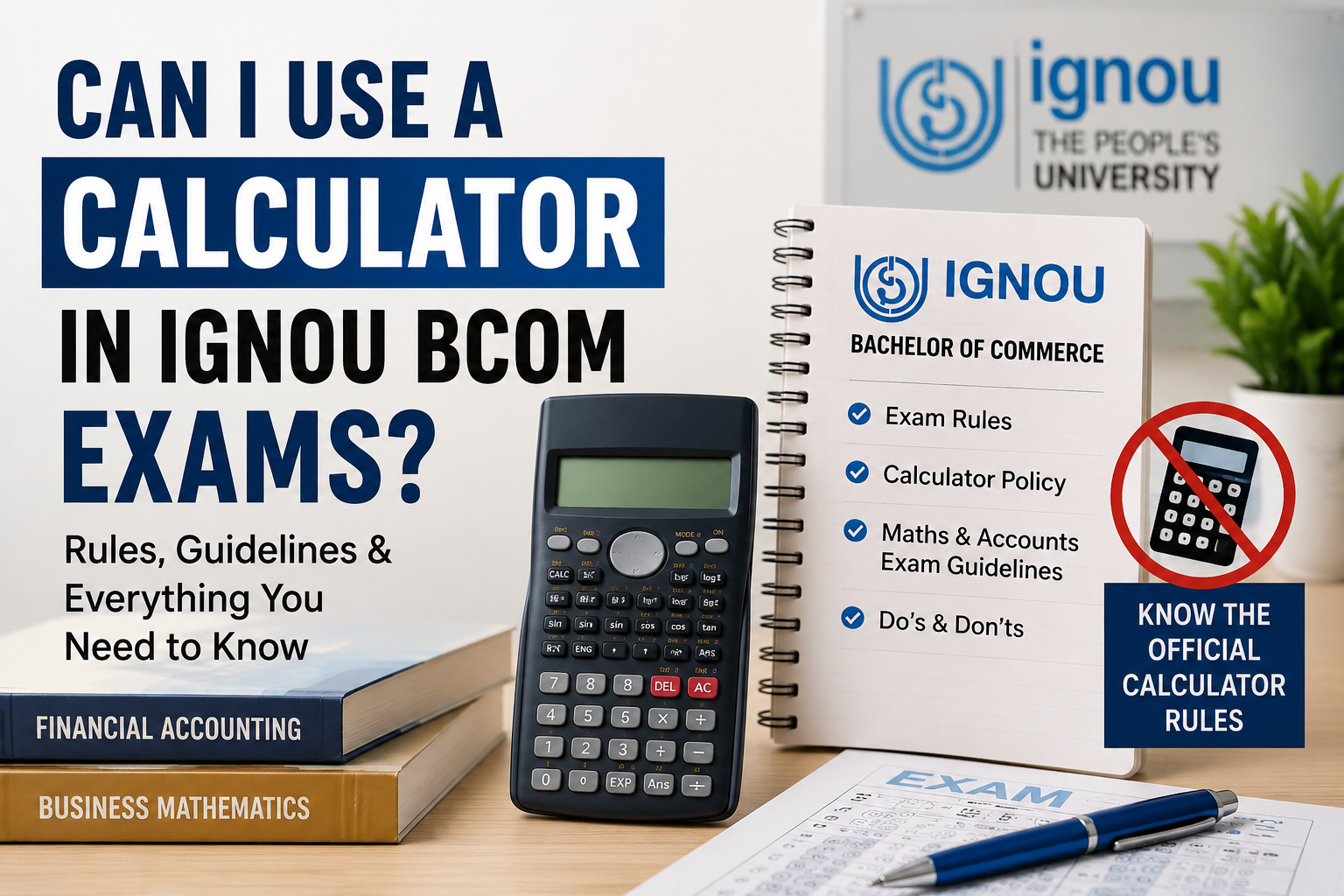
Students should check current examination instructions through the official IGNOU website.
Is Calculator Allowed in IGNOU BCom Exams?
6. Calculator A calculator may be allowed in selected numerical papers if the question paper clearly states that use of calculator is allowed.
For example, older BCOC-134 Business Mathematics and Statistics question papers mentioned that a simple non-scientific and non-programmable calculator was allowed.
But the printed instructions of the BCOC-134 question paper for December 2025 did not have any permission for calculator. That's why students can't assume that the permission granted in one session will be kept in all later examinations.
The safest rule is:
- Current question paper should have visible calculator allowance.
- You must follow the invigilator’s instructions.
- Do not use the calculator if you are not allowed.
What Calculator Is Likely To Be Allowed?
When the question paper allows a calculator, it may state the type of calculator that is allowed.
Possible wording might be:
- Allowed simple calculator
- Non-scientific calculator permitted
- Calculator (non-programmable) allowed
- Non-programmable scientific calculator permitted
Descriptions like these are not interchangeable. If the paper only allows a basic or non-scientific calculator, do not use a scientific calculator.
A calculator allowed should normally have no:
- Programming facility
- Text storage function
- Internet access
- SIM-Karte
- Camera
- Bluetooth or Wi-Fi
- Feature of communication
- Document storage facility
Smartphones, smartwatches and calculator apps on mobile devices are prohibited examination items.
Do you require a calculator for BCOC-134?
The major BCom paper is BCOC-134 Business Mathematics and Statistics and students often ask about the use of calculators.
Previous papers have explicitly permitted a simple non-scientific non-programmable calculator. Also a June 2023 paper in online mode mentioned calculator use was allowed.
But the question paper of ODL December 2025 had instructions on compulsory questions and sections but did not mention that a calculator was allowed.
Hence, for BCOC-134:
- See the first page of the current question paper.
- Check for a clear calculator instruction.
- Ask the invigilator before you switch it on.
- No older paper is referenced.
Can I Use Calculator in IGNOU Accounts Exams?
IGNOU Accounts exams have numerical calculations but that doesn’t mean calculators are permitted.
Financial Accounting, Corporate Accounting, Cost Accounting, Management Accounting and Financial Management all are different subjects. Each paper may have its own instruction.
Before the exam:
- Look at recent official papers for the exact course code you have.
- Read the instructions on the examination paper.
- A calculator is permitted only with explicit, course-specific permission.
- Don’t switch it on until the invigilator tells you that you may use it.
Even when calculations are long, the subject itself does not create permission.
Scientific Calculator Permitted in IGNOU
In some specialised papers of Mathematics and Statistics, IGNOU allows scientific calculators. However the question paper generally mentions that the calculator should be non-programmable.
For example, certain papers in Mathematics and Statistics for December 2025, clearly stated that scientific non-programmable calculators could be used. Other papers allowed non-scientific calculators only.
This proves that IGNOU follows course-wise approach and not one common calculator policy for each exam.
BCom students should not assume that the permission to use a scientific calculator in an MSc or BSc paper applies to their examination.
Admission & Registered Course Details Check
Before you start preparing for the examination, verify:
- IGNOU BCom Programme Code
- Course code registered
- Exam session
- Date of examination
- Syllabus updated
- Current registration status for the course
The instruction of the calculator is applicable to the individual course paper, not only to the BCom programme as a whole.
Download Registration No And Id Card
Have your Enrollment Number and IGNOU ID Card ready for all examination related formalities.
Proceed with the day of the test:
- Hard copy of hall ticket
- Valid Student ID card of IGNOU
- Stationery allowed
- Only approved calculators allowed
Do not leave formulas, notes or any written material in the calculator cover.
Read the Instructions on the Question Paper and the Programme Guide
The programme guide provides information on the curriculum and evaluation structure but the most important source of information for examination-specific calculator permission is the current question paper.
Before attempting any answer, read the first page. Instructions may say:
- Type of calculator allowed
- Number of questions to try
- Required sections
- Statistical tables given
- Special formulae sheets
- Electronic devices restrictions
Ignoring these instructions could result in disputes or an unfair-means allegation.
Complete Assignments and Practice Without Over-dependence
Assignments provide practice in calculations, formulas and presentation to students. Choose the right course and academic session for your assignment.
Consult for general student guidance, IGNOU Galaxy. IGNOU Solved Assignments help learners understand the steps of calculations and IGNOU Handwritten Assignments help to improve the writing skills also.
Students should continue to practice answering questions on their own. A calculator speeds up the arithmetic but cannot replace knowledge of formulas, methods and interpretation.
Fill IGNOU Exam Form Carefully
On submission of examination form:
- Enter Enrollment Number.
- Please verify the program code.
- Choose the correct Maths or Accounts course.
- Select an examination centre.
- Pay the necessary fee.
- Skip the acknowledgement.
The calculator permission is not shown simply because a course is in the exam form. The last instruction is normally given via the current examination paper and official examination regulations.
Getting Ready When Calculator Permission is Unclear
Prepare yourself to be able to do basic calculations manually.
Exercise:
- Ratios and percentages
- Simple and compound interest
- M eans
- Correlation Calculations
- Matrices & Determinants
- Calculations of cost and accounting
- Checking and approximation methods
In the examination show the formula, substitution and working. Even if a calculator is allowed, writing down just the final answer may reduce your chance of getting method marks.
Mistakes to Avoid
- Bringing a scientific calculator when only a basic calculator is permitted
- Calculator app on mobile
- Assuming that the instructions in an old paper are still valid
- Switch on the calculator without asking the invigilator
- Keeping formulas in the calculator cover
- With the use of a graphing or programmable calculator
- Writing only final numerical responses
- Disagreement with examination staff when permission is not clear
Useful Tips for Exam Day
- Only carry a basic calculator if it is probable that your course will allow one.
- Remove any writing on the cover of the calculator.
- Check the battery before you leave home.
- Do not share calculators or lend calculators during the examination.
- Ask the invigilator if you may use it.
- Manual calculation skills should be kept ready.
- Trust the paper in your hand over any claim you find online.
(FAQ)
1. Is calculator allowed in all the IGNOU BCom exams?
“No. This is permissible only if the particular question paper or official instructions allow it.
2. Is it allowed to use a calculator in BCOC-134?
Some previous papers have allowed a simple non scientific calculator but students should check the current paper.
3. Is a scientific calculator permitted?
Only if the question paper specifically allows the use of a scientific non-programmable calculator.
4. Can I use my phone for a calculator?
No. Mobile phones are not allowed in the examination hall.
5. Can I use a programmable calculator?
Do not use it unless there is an official instruction to do so (this is unlikely to be the case for standard BCom papers).
6. Are calculators permitted in Accounts papers?
Whether it is allowed or not depends on the course paper. Account subjects do not automatically have calculators enabled.
7. What if a previous exam paper allowed a calculator?
Don't count on it. See instructions on your present examination paper.
8. Can the invigilator stop me using a calculator?
Yes, especially if the calculator authorization is not printed or the device does not comply with the specified conditions.
9. What calculator do I need?
If the paper allows it then a simple non-scientific non-programmable calculator is the safest bet.
10. Can calculator mis-use give rise to a UFM case?
Possessing or using an unauthorised electronic device or prohibited material may be considered a breach of the examination rules.
Conclusion
IGNOU BCom Exam – Can I carry a calculator? Such a tool can only be used when the current question paper and/or official course specific instructions clearly allow this.
Some older BCom Mathematics and Statistics papers allowed simple calculators, but the current instructions may differ. Before use, check the correct course code, read the first page of the question paper and obtain the invigilator’s confirmation.
The safest thing is to bring a basic non-programmable calculator where appropriate, switch it off at the start and be prepared to do sums by hand.